Interchangeability - Inter Stellar Laser Fantasy can easily be converted to
Esh's Aurunmilla by following these steps:
Remove the Inter Stellar main PCB (set of three boards) and the
Inter Stellar laserdisc. Esh's Aurunmilla uses the Inter Stellar
Sound PCB, the Super Impose PCB, and all the same original wiring. Be
careful when hooking up the Esh's PCB to the wiring. Inter Stellar uses two
black harness connectors, but only one of them is used by the Esh's PCB. Use the
black harness connector that carries most of the wiring (it's a little bigger than
the other connector), and it should be inserted with the red wire (+5V) on the
right side. Pin 1 of the Esh's connector is GND, and pins 3 & 4 are +5V,
so be careful with the orientation. If you are not sure which wire is +5V on
the Inter Stellar wiring harness, a DC voltage meter may help. The
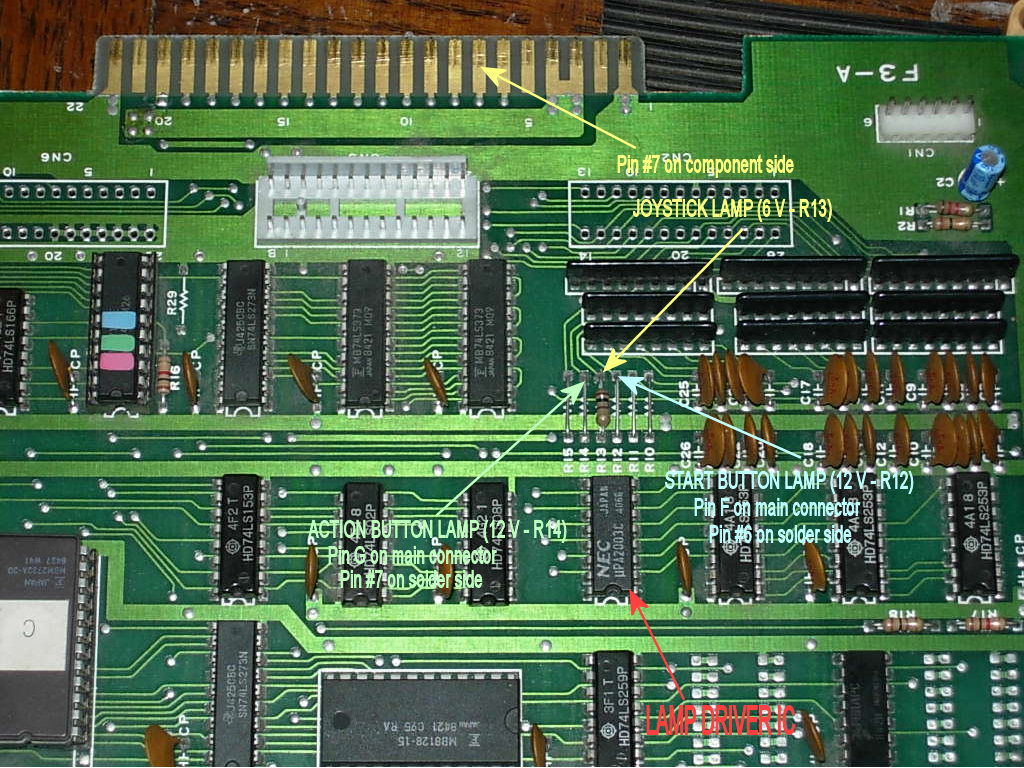
6-pin connector on the right side of the
Esh's PCB (labeled "CN 1") is the
"PCB-generated audio output". It
goes into the "CPU IN" audio connector on the Inter Stellar sound
board. Finally, connect the Esh's PCB to the
LD-V1000 and install the Esh's disc.
Stage 7 Game Over Bug Fix - Losing your last life on stage 7 causes the original laserdisc player to not display the "game over" message,
or causes LDP conversion cards to hang indefinitely. The Stage 7 Game Over Bug Fix ROM made in 2017 corrects the
original frame number typo responsible for the bug.
LD-V1000 Boot Switch - A simple inexpensive way to build a switch that issues a play command to the
LD-V1000 or LD-V1001. See the
LD-V1000 Boot Switch page.